Apprenticeships
Apprenticeships
Tracks apprentices and trainees through their training arrangement, on-the-job (OJT) hours logged against the nominal-hours target, and workplace evidence through supervisor sign-off (Signed / Pending / Rejected). It surfaces who is falling behind on hours and what is still waiting on a workplace supervisor's attestation, so the RTO can chase sign-offs and hours before completion. Works with LearnNoow and Moodle.
 OJT hours logged vs nominalFrom the apprenticeships screen.
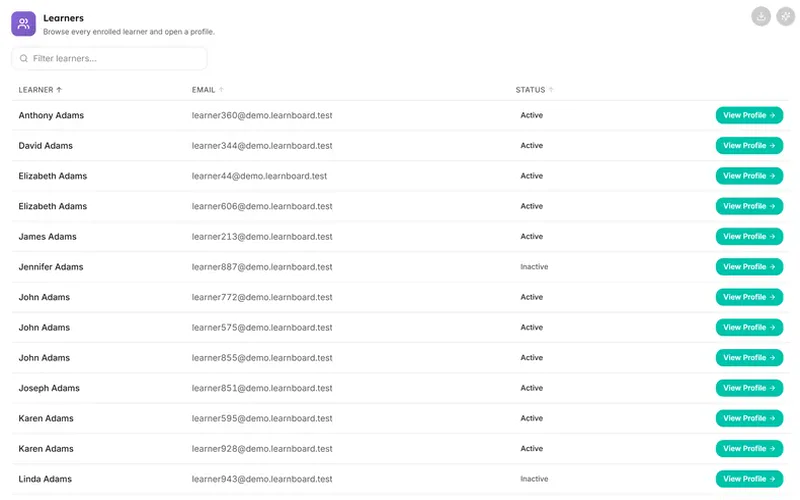 Competency status gridFrom the unit of competency screen.
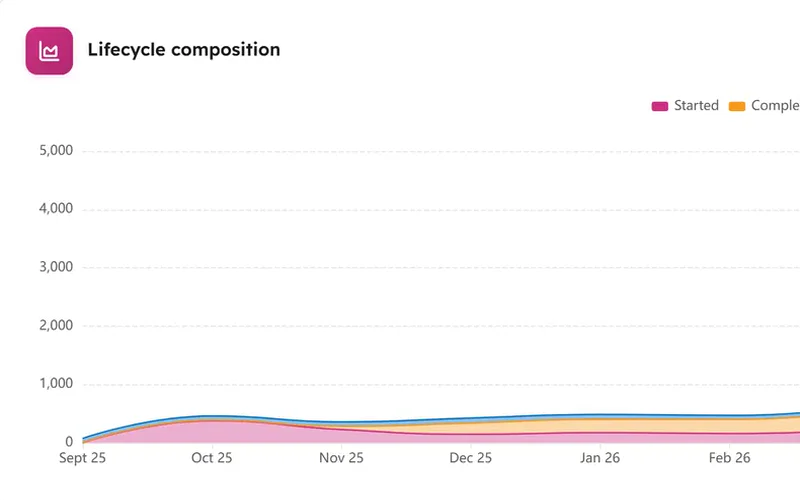 Equity gaps by groupFrom the avetmiss equity screen.
 Error categoriesFrom the tva readiness screen.
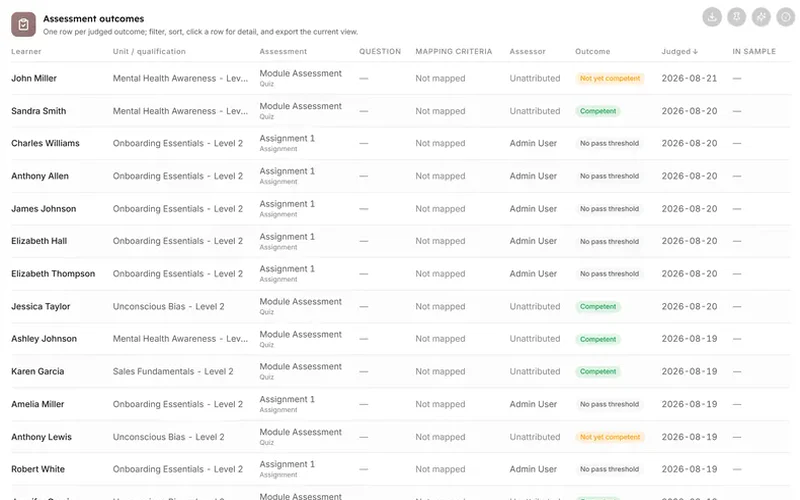 Assessment outcomesFrom the assessor validation screen.
 Assessor consistencyFrom the assessor validation screen.
 Health scoreFrom the executive overview screen.
 Login heatmapFrom the executive overview screen.
 Time-to-completion distributionFrom the executive overview screen.
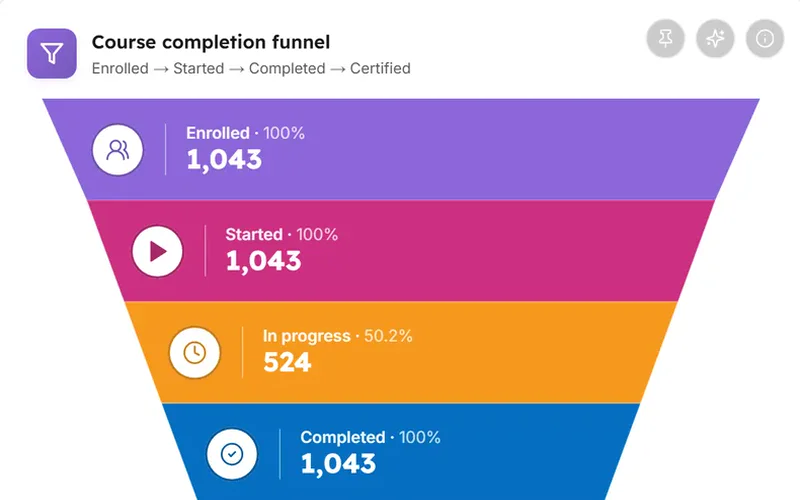 Course completion funnelFrom the executive overview screen.

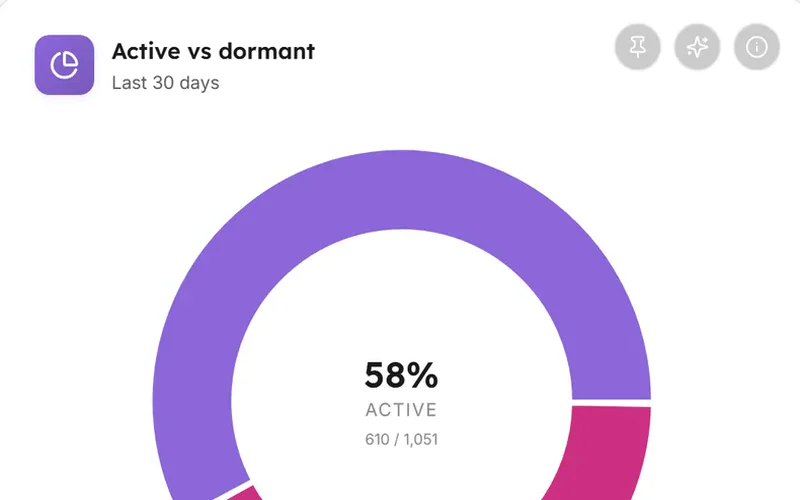


Captured from the product
The apprenticeships screen, as it actually looks
These are screenshots of the real cards, filled with the synthetic dataset the demo runs on. Yours draw from your own LMS.
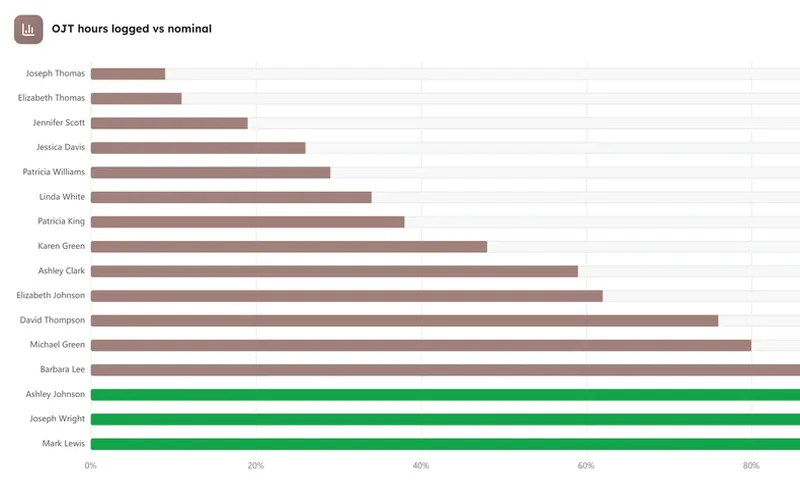
OJT hours logged vs nominal
One row per apprentice: logged OJT hours as a filled segment vs remaining to the nominal target, least-progressed first; click to open the apprentice.
Evidence & sign-off status
Every workplace evidence item in scope grouped by sign-off state, Signed, Pending, Rejected.

Apprenticeships
Everything on this screen and what shape it takes.
Every card carries an info tooltip stating what it shows and how it is computed, an Ask AI action scoped to its own figures, and a CSV export where the card has a CSV export.
- KPI stripKPI (4 tiles)
- OJT hours logged vs nominalBar (horizontal, progress)
- Sign-off statusBar (distribution)
- Evidence & sign-off statusTable
Questions
How this screen is computed from the product's own documentation.
What does the apprenticeships screen show?
Tracks apprentices and trainees through their training arrangement, on-the-job (OJT) hours logged against the nominal-hours target, and workplace evidence through supervisor sign-off (Signed / Pending / Rejected). It surfaces who is falling behind on hours and what is still waiting on a workplace supervisor's attestation, so the RTO can chase sign-offs and hours before completion. Apprenticeship records, hours and sign-offs come from you, and adding them in LearnBoard is coming soon. Until then the screen shows a setup state, not invented figures.
How is kpi strip worked out?
Active apprentices, Average OJT completion %, Hours logged total (vs nominal), Pending sign-offs
How is ojt hours logged vs nominal worked out?
One row per apprentice: logged OJT hours as a filled segment vs remaining to the nominal target, least-progressed first; click to open the apprentice
How is sign-off status worked out?
Every workplace evidence item in scope grouped by sign-off state, Signed, Pending, Rejected
How is evidence & sign-off status worked out?
One row per apprentice: hours progress, evidence stages signed, pending sign-offs, status, last activity; sortable, paginated (15/page); click for the full hours log and evidence trail
Which plan includes it?
The VET and RTO pack. Business, Scale and Enterprise all include every sector pack. Every card on it carries an Ask AI action and an info tooltip, on every plan that includes the screen.
Which platforms does LearnBoard support?
LearnNoow and Moodle. Connect either one read-only and the same dashboards, charts, alerts and AI answers run on it. LearnNoow has LearnBoard built in; Moodle has one free companion plugin.

See apprenticeships on your own LMS
One read-only connection and this screen fills with your figures. Apprenticeships is in the VET and RTO pack. Business, Scale and Enterprise all include every sector pack.
Built for LearnNoow and Moodle.
